Reset your password
If you've forgotten your password, VetJay sends a reset link to your email address.
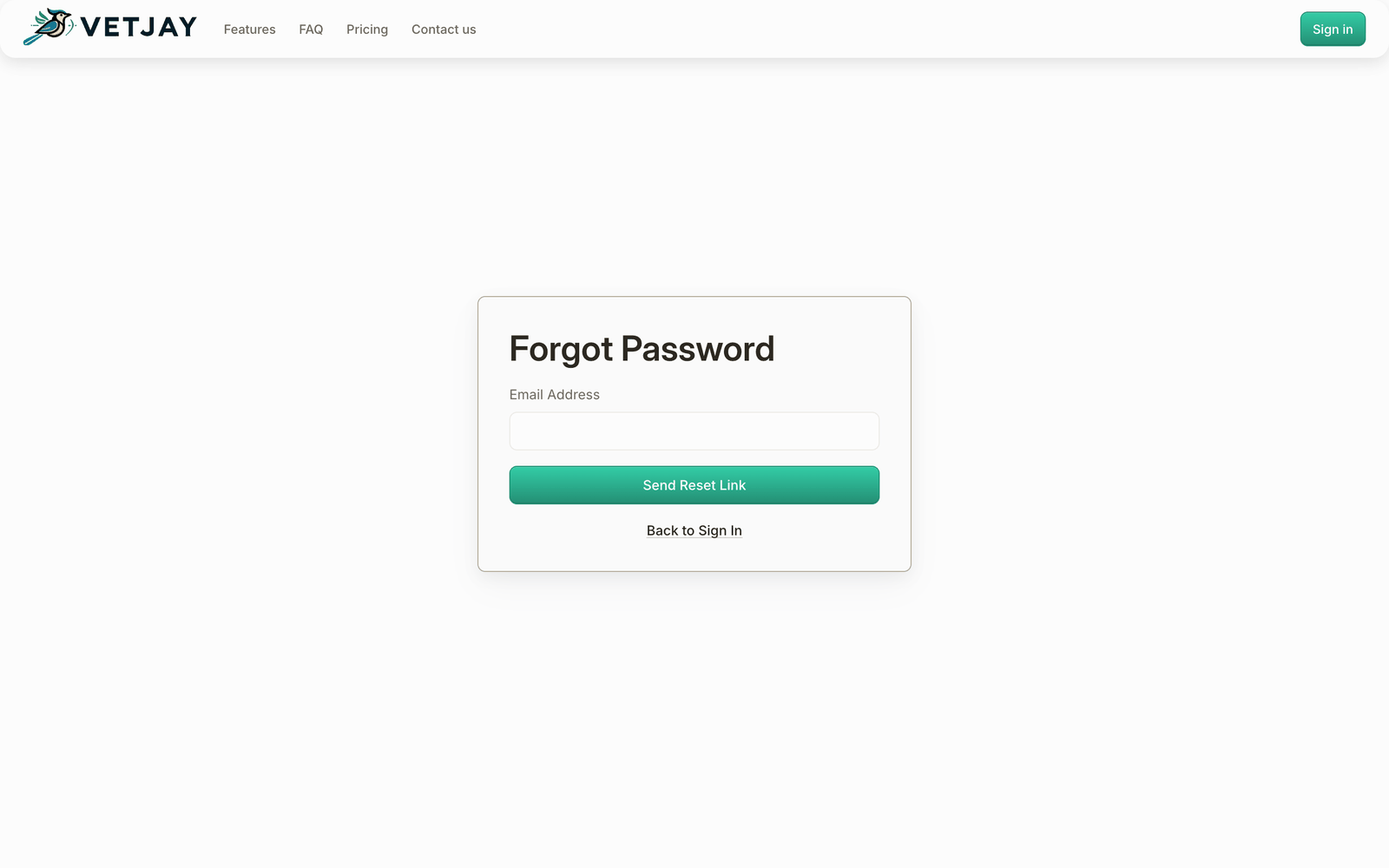
Request a link
- Go to the sign-in page and click Forgot Password?.
- Fill in your Email Address and click Send Reset Link.
- Open the email from VetJay and click the link.
If you're already signed in and want to change your password, go to Settings → General and click Send reset link under Reset Password. The link goes to your registered email address.
Choose a new password
- Fill in New Password and Confirm Password.
- The password must be at least 8 characters and include an uppercase letter, a number and a symbol.
- Click Update Password and then Open App.
FAQ
It says the link is invalid or has expired. Click Request a new link and use the latest link you get.
I didn't get an email. Check your spam folder. Make sure you typed the same email address you sign in with. If that doesn't help, contact support.