Roles & permissions
What a team member can do in VetJay is decided by two choices: Access Level and Job Function. Together they give the permissions. Both are changed under Settings → Team Management.
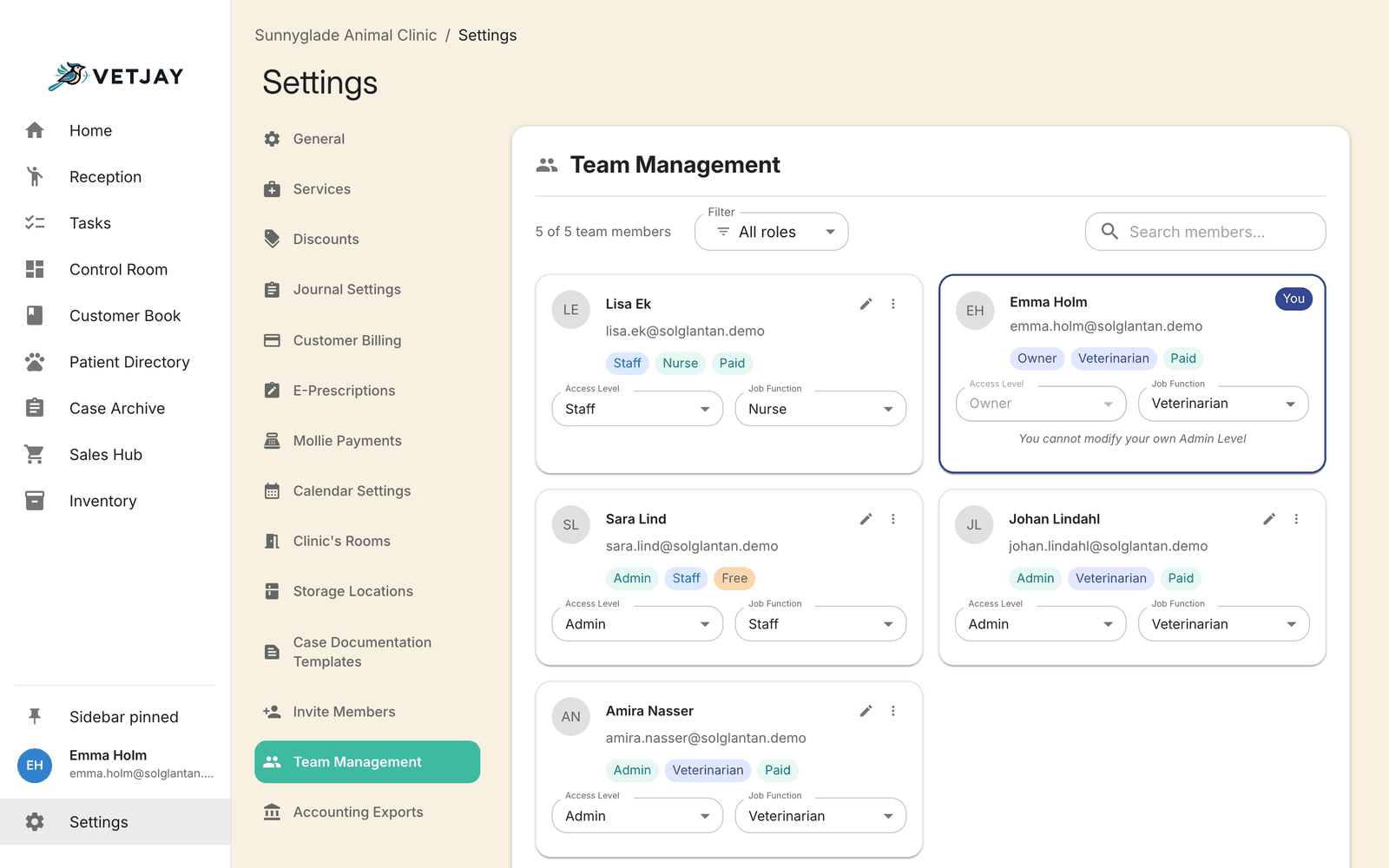
Access level
The access level decides how much of the clinic the person can manage.
| Access level | Can |
|---|---|
| Owner | Everything, including the company details, the VetJay subscription, the Mollie connection and appointing administrators |
| Admin | Most things: clinic settings, staff, invitations, services, discounts, templates and accounting. Not the subscription |
| Staff | Daily work according to their job function, but not clinic settings or staff |
| Guest | Read journals and download attachments |
Only the owner can appoint administrators. More owners are added through support.
Job function
The job function decides what clinical work the person does.
| Job function | Typically | Counts towards the subscription |
|---|---|---|
| Veterinarian | Writes and locks journals, sets diagnoses, issues e-prescriptions | Yes |
| Veterinary Technician | Writes and locks journals, sets diagnoses | Yes |
| Nurse | Writes journals and sets diagnoses | Yes |
| Staff | Customers, patients, booking, billing and payment. Can read but not write journals | No, included |
| Accountant | Billing, payments, refunds and accounting | No, included |
Veterinarian, veterinary technician and nurse are paid users. Staff and accountant are support staff and are included in the subscription, depending on the plan.
What happens without permission?
Features you don't have permission for are hidden, or greyed out with an explanation when you hover over them. Contact an administrator if you need more access.
FAQ
Can I make my own roles? No. Combine access level and job function. That covers the usual roles at a clinic.
Why can't I choose a certain job function? Not every job function is allowed at every access level. Change the job function first and then the access level, or the other way round.
Who can invite new team members? Owners and administrators. See Inviting users.