Mollie Payments
The Mollie Payments tab under Settings connects the company's Mollie account and shows whether each clinic can take card and Swish. The tab appears only when the company is in Sweden and you're the company owner. Otherwise the tab is not in the menu.
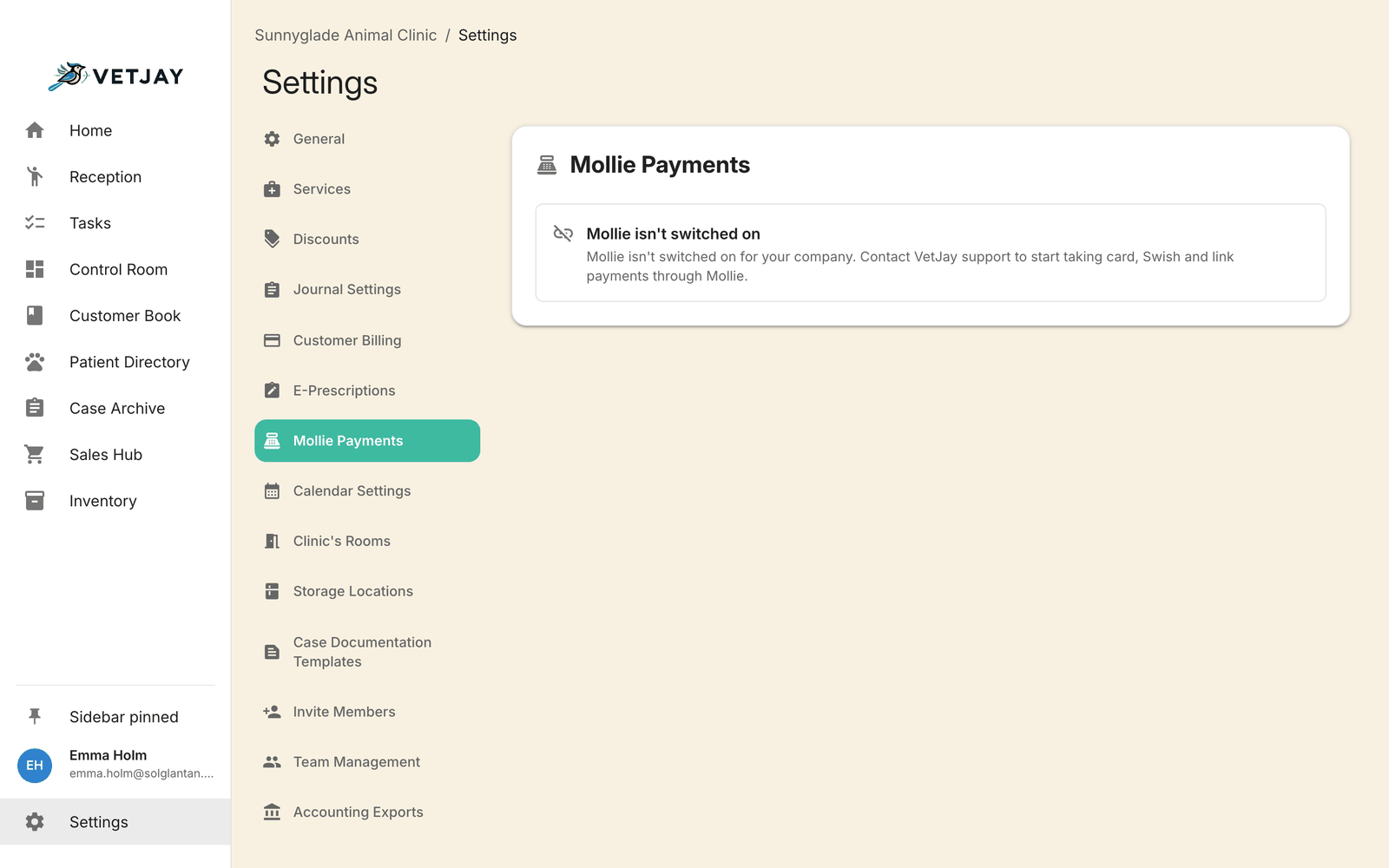
One company connects one Mollie account. Each clinic takes payment on its own Mollie profile, with its own terminals. VetJay switches Mollie on for the company. The clinic cannot change that switch. Disconnecting is done by VetJay support, not by a button on the tab.
States on the card
| State | Button |
|---|---|
| Mollie isn't switched on | None. Contact VetJay support |
| Not connected | Connect Mollie |
| Mollie sign-up started | Continue Sign-Up. The link is valid until the date shown |
| Connection revoked | Connect Again |
| Connected, action needed | Refresh |
| Connected, waiting on Mollie | Refresh |
| Connected | Refresh |
The card shows Mollie organisation, Test mode when it is on, and Last checked. If there has been no check: Not checked with Mollie yet.
Connect
- Open Settings → Mollie Payments.
- Check that the company has a contact person with a name and email. If not, Connect Mollie is disabled. The text asks you to contact VetJay Support.
- Click Connect Mollie. Sign-up starts with an email from Mollie to the contact person. The link is valid for 30 days. A new call within 29 days reuses the same link.
- When you return, Mollie is connected is shown. VetJay creates a Mollie profile per clinic and requests card and Swish.
If the company name or country is missing: Mollie needs your company's name and country. Edit company goes to General.
Continue Sign-Up and Connect Again do not show the contact-person lines. Those states already have an email out, or they are a reconnect.
Refresh and clinics
Refresh reads status from Mollie and creates a profile for a clinic that lacks one. Each connected company is also read daily at 05:30 Swedish time. That run does not create profiles. A clinic added after the connection gets a profile only when someone presses Refresh.
Under Clinics you see Ready or Not ready, and Mollie profile with Verified, Not verified yet, or Blocked. If there is no profile: No Mollie profile yet.
A blocker says who should act: contact VetJay support, fix it in VetJay or in the Mollie account, or wait for Mollie's review. Requirements from Mollie can include Fix in Mollie. A past-due requirement pauses payments.
Terminals
The Terminals section lists the clinic's card terminals as they are set in the Mollie account. After a terminal is added, renamed, or returned in Mollie, click Sync from Mollie. The list shows only terminals on this clinic's profile.
Columns: Name, Model, Serial number, Status, Default. Only one active terminal can be the default. The default terminal is preselected when a card payment is taken in the payment guide. Sync and changing the default require permission to manage payments.
FAQ
Why can I not create a payment link? The clinic is not ready, or the company is not connected. The guide then says to connect Mollie under Settings > Mollie, or to finish the setup there.
Who can connect? Only the company owner. Others see Only a company owner can connect Mollie or refresh its status.