Add & edit a client
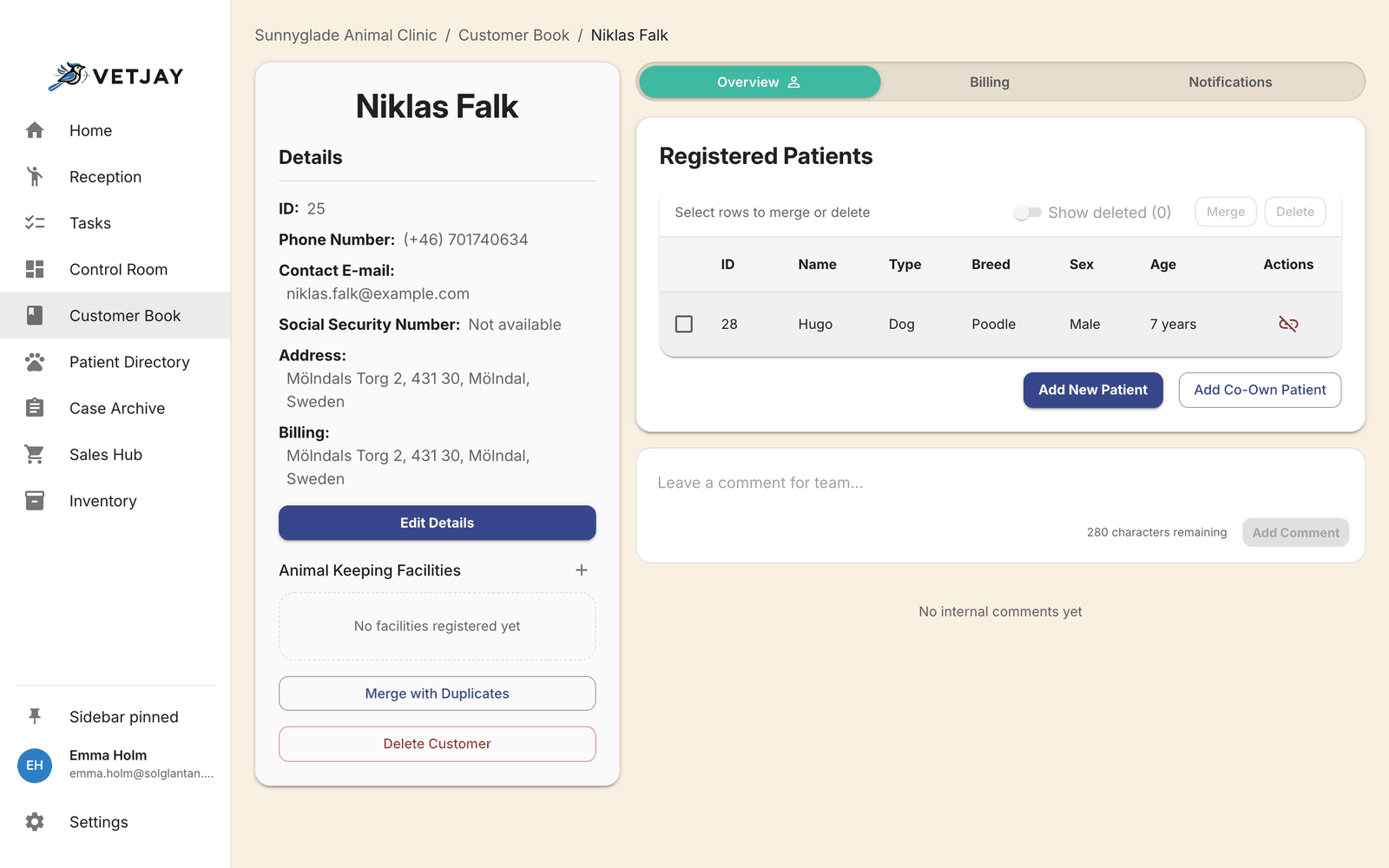
The client profile gathers contact details, linked animals, billing, and notifications. In Sweden you can fill the form via SPAR lookup.
Add a customer
- Click Add Customer in Customer book, or the plus icon in the booking form.
- Choose private person or company.
- In Sweden: type the personal ID number and click Search SPAR to fetch name and address. See SPAR lookup.
- Fill in name, phone number and email, and the address. If the invoice goes to the same address, leave Use same address for invoicing ticked.
- Click Save Customer.
From a booking a shorter version opens with only name, phone and email. The rest can be filled in later on the customer profile.
VetJay warns if the phone number, email address or personal ID number already belongs to another customer. If the customer already exists twice, merge them. See Merge, delete and erase.
Edit details
- Open the client’s profile from Customer book.
- Click Edit details and update name, address, phone, and email.
- Save.
Linked animals
On the overview you see Registered Patients. Use Add New Patient or Save owned patient. You can also create the animal from Patient Directory and link it to the customer there.
Animal keeping facilities
For farm animals and horses the customer can have Animal Keeping Facilities with registration numbers. Add them with Add Facility in the customer form. They're used in JBV reports, among other things.
Notifications
The Notifications tab controls SMS preferences, including the consolidated booking reminders (one SMS per customer per day). Email is not controlled on this tab.
Company customer
Choose company as the customer type. The form then shows organisation number, VAT number, invoice email, your contact, your reference, our reference, payment terms, penalty interest, and Peppol id. Switching back to a private person clears the company fields. The SPAR button is not shown for companies.
FAQ
How do I link a new animal to the customer? Use Add New Patient on the profile, or create the animal in Patient Directory.
What happens with a protected identity? The person is blocked and cannot be registered. See SPAR lookup.