Tasks
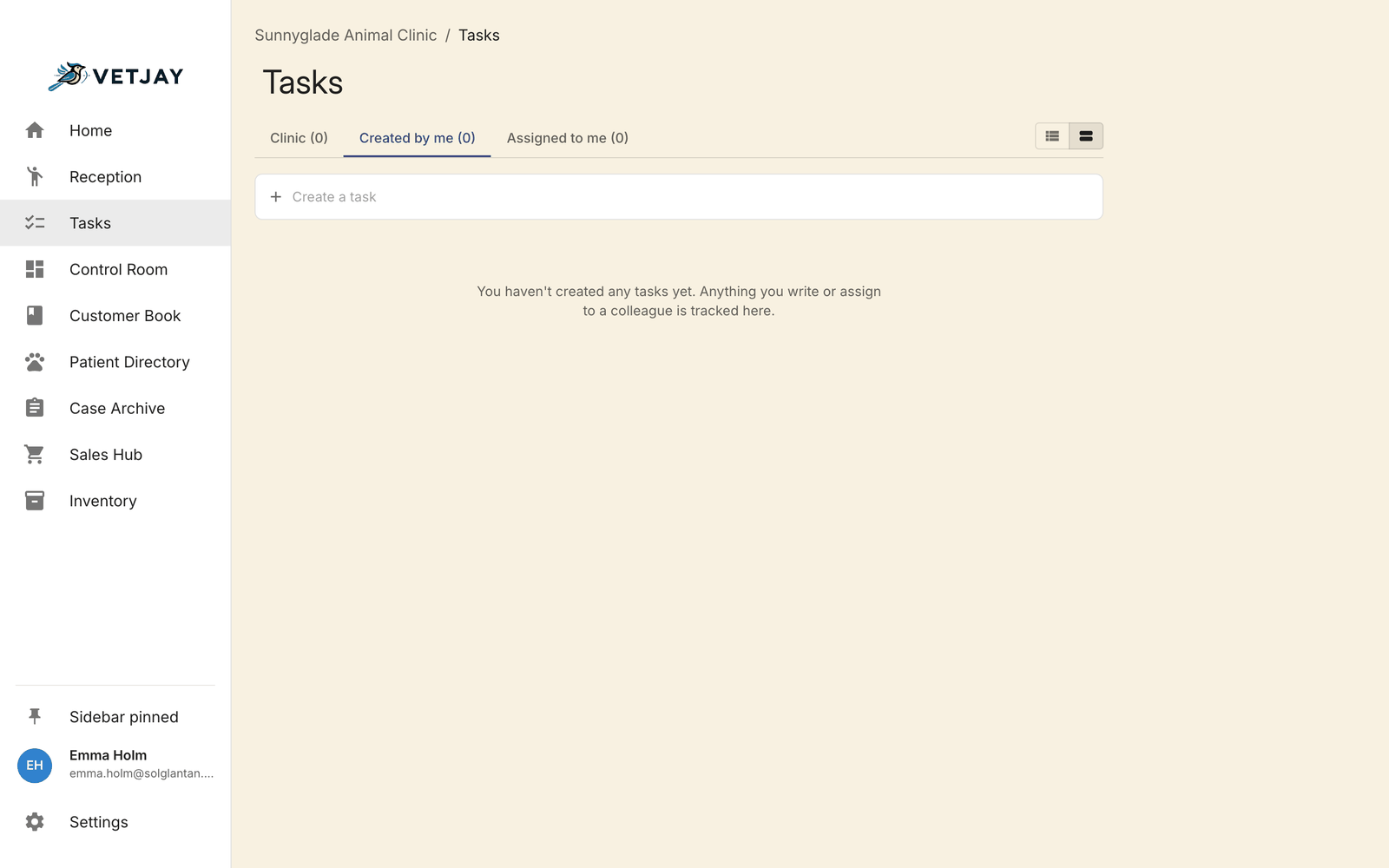
Tasks is its own module in the main menu. Every staff member can see it. Changes save automatically.
Interactive guide
Start the guide
Try it step by step in a copy of VetJay. Nothing you do there affects your clinic.
The number next to Tasks in the menu shows how many open tasks are assigned to you. It updates as soon as a task is assigned to you or marked as done.
Autosave
The status line Changes are saved automatically applies here too. You do not need to click Save when you edit the description, subtasks, or due date.
Views
| UI name | Content |
|---|---|
| Assigned to me ({n}) | Tasks assigned to you |
| Created by me ({n}) | Tasks you created |
| Clinic ({n}) | All clinic tasks |
| Full view / Simplified view | View toggle (saved as a preference) |
Groups: Overdue, Today, This week, Later, No due date, Done ({n}). Done shows the 50 most recently completed.
Each task has a public sequence number per clinic (#1, #2 …).
Create and work
- Click Create a task.
- Write a title and Add a description.
- Link a record (or Replace link) to a consultation, invoice, direct-regulation claim, patient, customer, journal note, or home-advice item.
- Set a due date with Today, Tomorrow, Next week, or Clear date.
- Add subtask if needed.
- Assign to me if the task is unassigned. Mark as done when finished.
Do the task during an event
A task can be scheduled into an event in the calendar, for example Call customer A during Admin time Tuesday 16:00.
- Click Schedule on the task.
- Choose an event under Do it in an event. The list shows events in the next four weeks.
- The task now shows the event. If the task has no due date, it gets the event's day.
Unschedule removes the link. If the event is cancelled or deleted, the task stays and says so, so you can pick another event.
Tasks can also be added directly when you book an event. See Book an appointment.
FAQ
Can I link several records? One active link at a time. Use Replace link to change the target.
Do colleagues see updates in realtime? Yes. The list updates when someone else creates, assigns, or completes a task.