Diagnosis codes
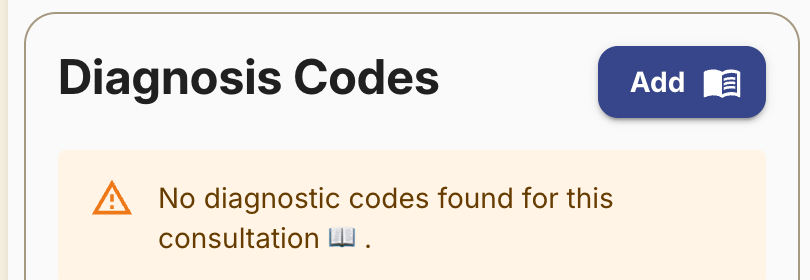
Diagnosis codes are set in the consultation, under Diagnosis Codes in the left column. Each diagnosis can have one or more anatomical locations. The codes are used in statistics and in JBV reports in Sweden.
Set diagnoses
- Open the consultation and click Add under Diagnosis Codes.
- Search under Search diagnosis codes... by name or code. Recent codes shows the ones you've used lately.
- Choose the code. Add an anatomical location under Search anatomical locations... if needed.
- Add more codes if the visit has several diagnoses. They're listed under Selected Diagnoses.
- Click Save Diagnoses.
To change them, click Edit under Diagnosis Codes. The consultation shows each code with its anatomical locations.
FAQ
Does every consultation need a diagnosis? No, but JBV reports need them in practice.
Can't find the right code, or think a code is wrong? Use Share feedback about code next to the code to send feedback on it.
Who can set diagnoses? Veterinarians, veterinary technicians and nurses. See Roles & permissions.