Label printing
In the consultation Labels tool you print two labels directly.
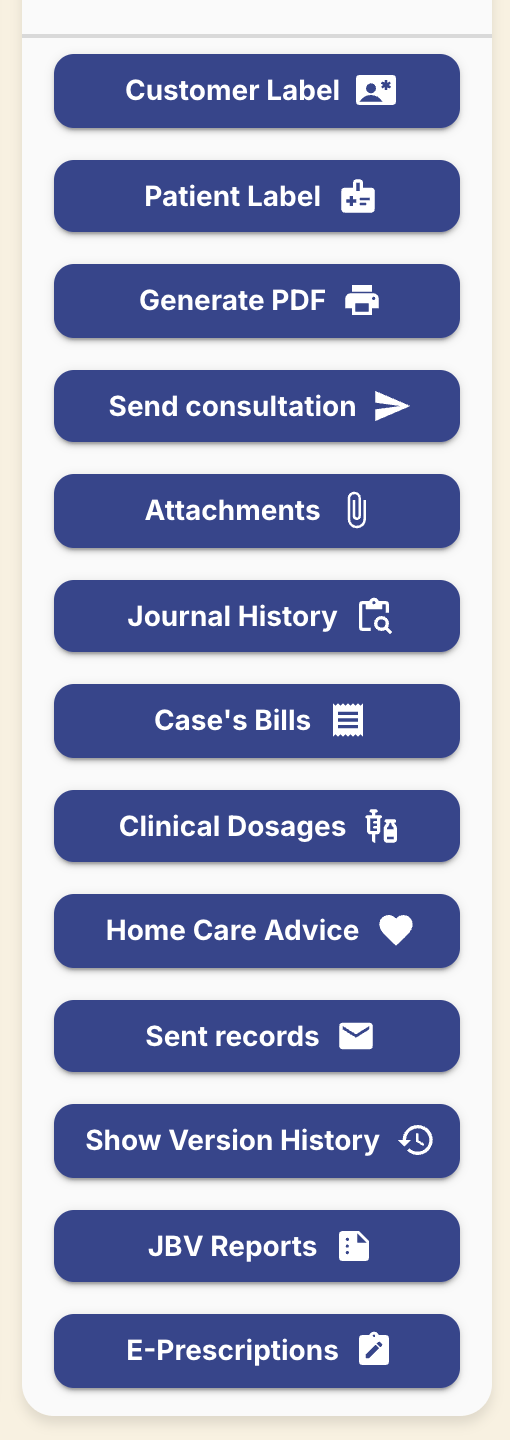
| Button | Purpose | Content |
|---|---|---|
| Patient label | Clinical label | The patient's name, species and breed, date of birth, chip, neuter status, weight, the owner's name and phone and the case number |
| Customer label | Address label | The customer's address. Choose the customer in the modal and click Generate label |
How to
- Open the consultation and choose the Labels tool (
print-label). - Click Patient label for the clinical label.
- Or click Customer label, choose the customer, and Generate label.
FAQ
Why is the owner or phone missing on the patient label? Check that the patient has an owner and that the owner has a phone number in Customer Book.
Where do I set neuter status? On the patient profile under Edit details.