Customer Billing
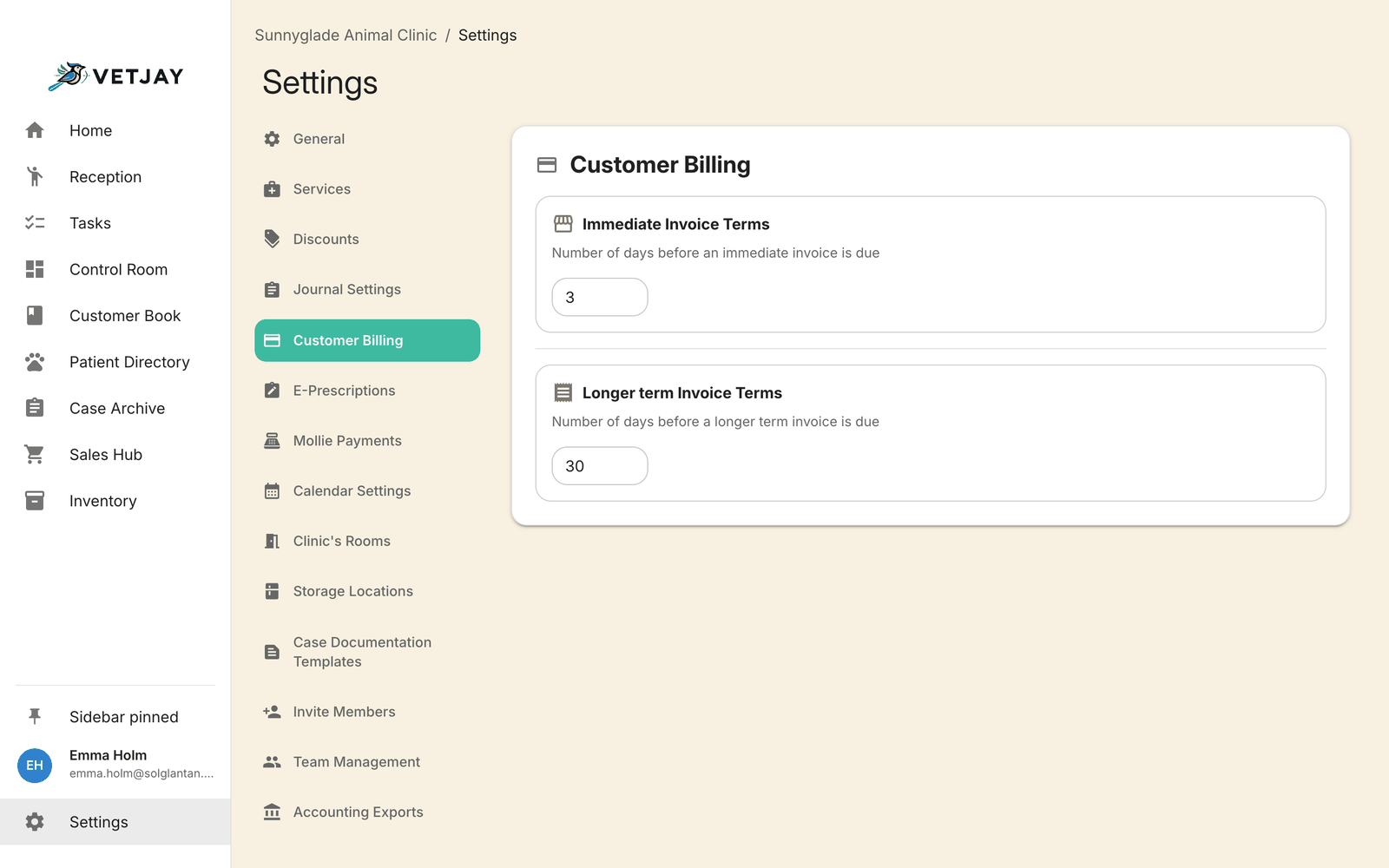
The Customer Billing tab under Settings controls how many days an invoice has before it is due. It requires permission to manage clinic settings.
Payment terms
Two fields save when you leave them:
| Field | Meaning |
|---|---|
| Immediate Invoice Terms | Days before an immediate invoice is due. 1–360, default 1 |
| Longer term Invoice Terms | Days before a longer-term invoice is due. 1–360, default 30 |
The toast Payment terms updated confirms the save. Organisation number, penalty interest, and references live on the company customer, not on this tab.
Which payment methods appear in the guide is not set here. The customer chooses card or Swish on a Mollie link, or pays by card on a terminal. The connection is made under Mollie Payments.
FAQ
Can I turn on Swish on this tab? No. The tab only has the two due-date fields. Payment is taken in the payment guide.