General & company info
The General tab under Settings is the first tab. It holds your own details, the company's details, clinic settings and the subscription. You also sign out here.
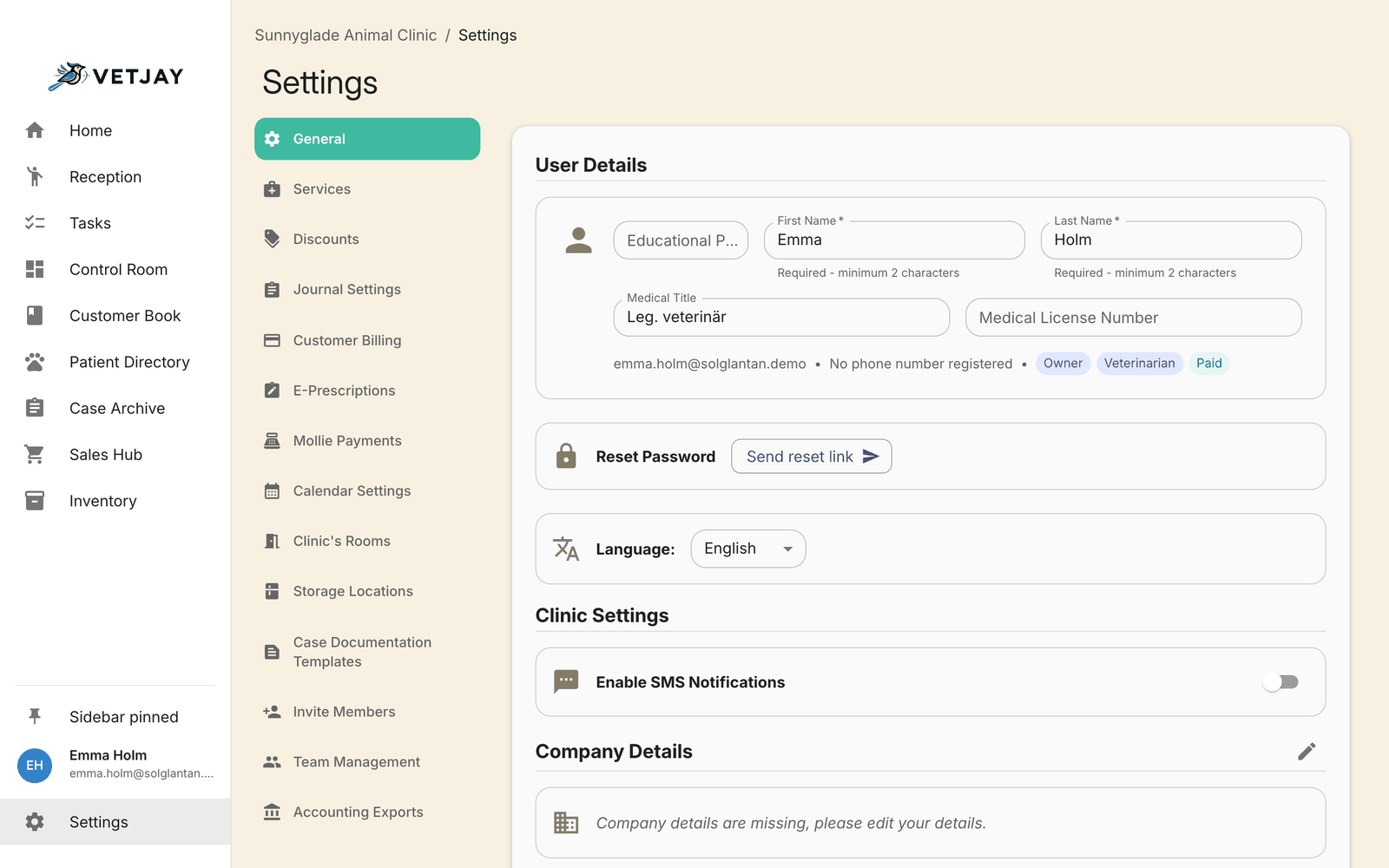
Your details
Under User Details you change:
- First Name and Last Name.
- Educational Prefix, such as Dr., and Medical Title, such as Veterinarian.
- Medical License Number. It's needed to issue e-prescriptions.
- The Language of VetJay.
Changes save right away. You can also change your password here with Send reset link.
Company details
Company Details and Billing Address are used on invoices, receipts and exports. Click edit to open Edit Company Details:
| Part | Fields |
|---|---|
| Company information | Company name, legal name, organisation number, VAT number, approved for F-tax (Sweden), email, phone number, website |
| Billing information | Billing address, postal code, city, country |
Click Save Changes. If something is missing, the card says Company details are missing or Billing address details are missing. Fill them in before you start invoicing.
Clinic settings
Enable SMS Notifications turns SMS on for the clinic. It's needed for appointment reminders and other SMS. Which SMS are sent is then controlled under Calendar Settings and per customer under Notifications.
Subscription
Subscription Information shows the plan, status and billing period. See Subscription & billing.
FAQ
Can everyone change the company details? No. Only the company owner can change them. Contact the owner if something needs changing.
Where do I set journal auto-lock? Under Settings → Journal Settings. See Lifecycle & auto-lock.
Where do I sign out? With Sign Out at the bottom of the General tab.