Product catalog
Under Inventory you manage products with a stock balance and medicines. The catalog shows stock levels per location. From here you create and edit the products and set VAT rates and units.
Interactive guide
Start the guide
Try it step by step in a copy of VetJay. Nothing you do there affects your clinic.
Services and products
Products with a stock balance and medicines are created here under Inventory.
Services, for example consultations, vaccinations, and surgeries, are created under Settings → Services. See Services.
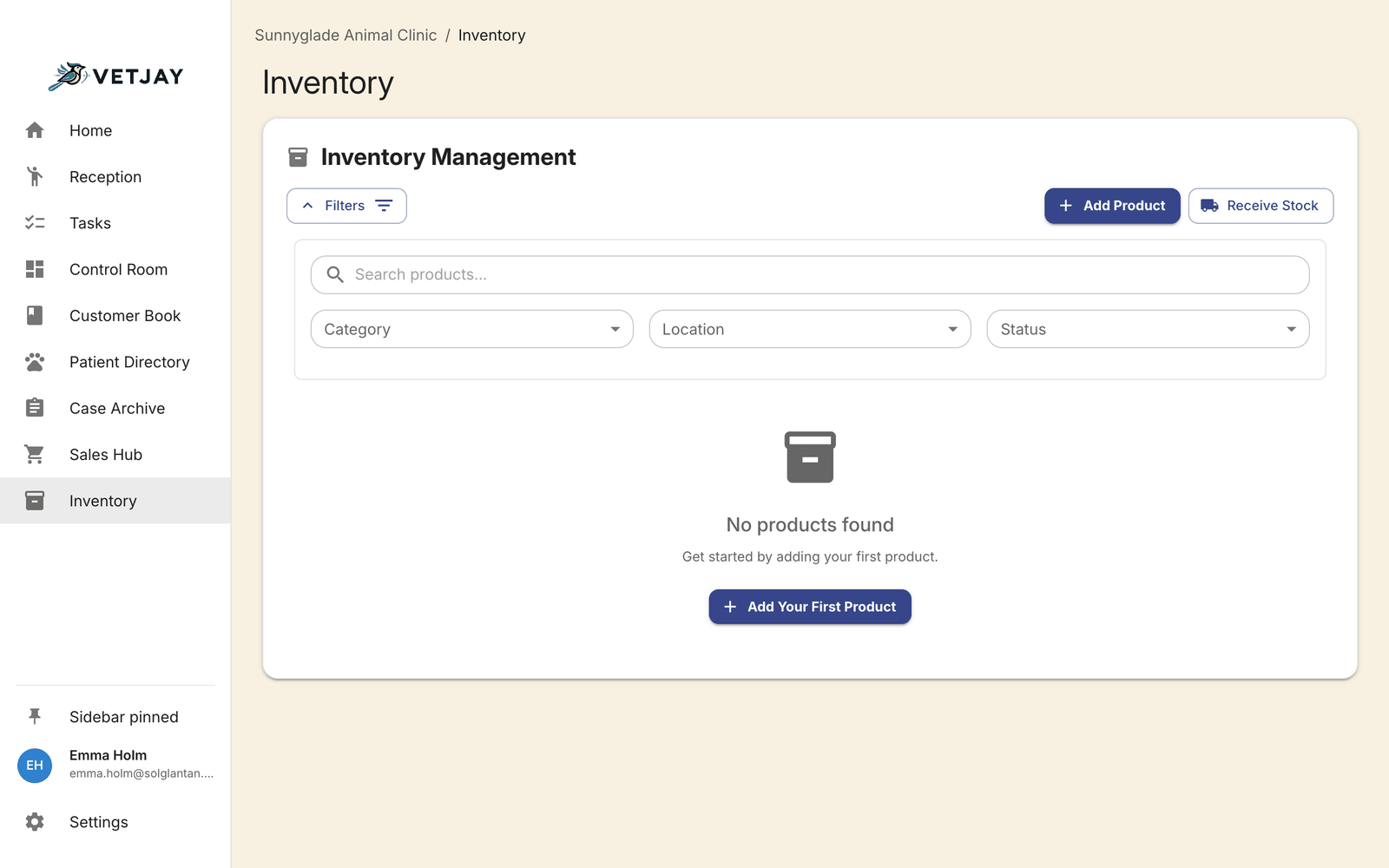
Browse the catalog
- Click Inventory in the left-hand menu.
- Open the Dashboard tab (shown by default).
- Search by product name, or filter by category and stock location.
- Click a product to see details and edit it.
Create a new product
- Click New product (or +).
- Fill in the name, price, and VAT rate. Choose the type product when the form asks for a type.
- Choose a unit (for example pcs, ml, dose).
- Save.
Manage VAT rates and units
- Click the settings icon in the catalog view.
- Create and edit the VAT rates and units available for all products.
FAQ
Where do I create a service, for example a consultation? Under Settings → Services. See Services.
What belongs in the product catalog? Products with a stock balance, and medicines. They can trigger stock warnings, and the balance changes when the item is received, adjusted, sold, or used.
Can the same product exist at several stock locations? Yes. Stock is shown per location. You receive and adjust stock separately for each site.